Print Folder function lets a user print or export all the Discover and Present items in the selected folder into a single output. This is similar to the "Print Open Items" option in the App Tab Home Menu.
The Print Folder only uses items at the root of the selected folder. Any items stored in sub-folders are ignored.
Printing Folder Items
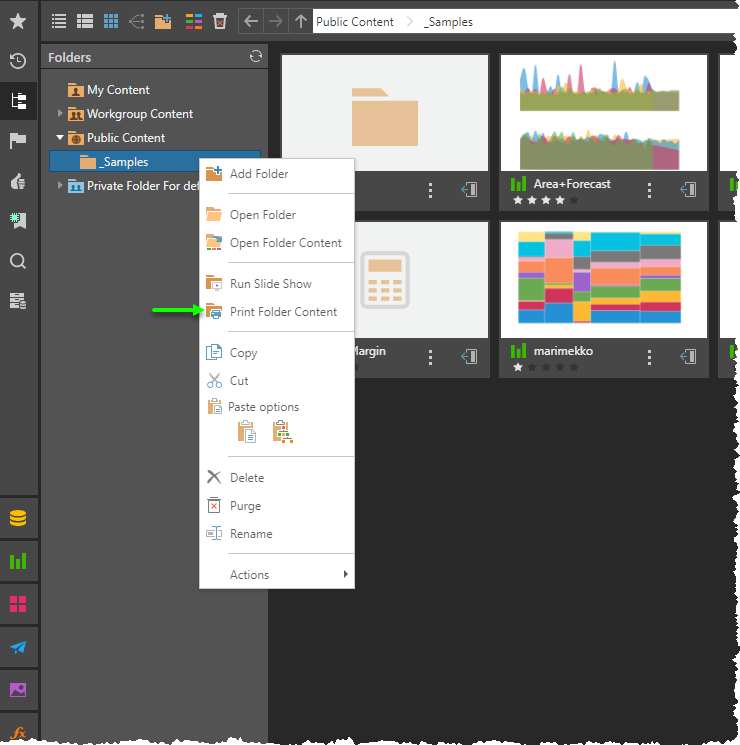
From a folder either in the folder tree (green arrow) or the Content Explorer (purple arrow):
- Right-click and select Print Folder Content from the context menu.
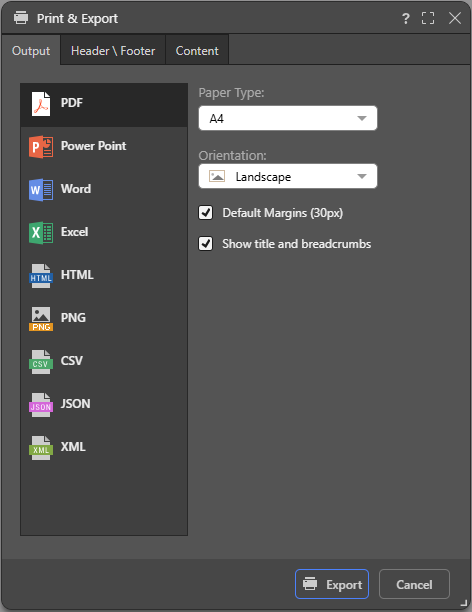
The Print and Export dialog will then be opened up. From here, users can pick the output type and set headers and footers (or Discover content only).
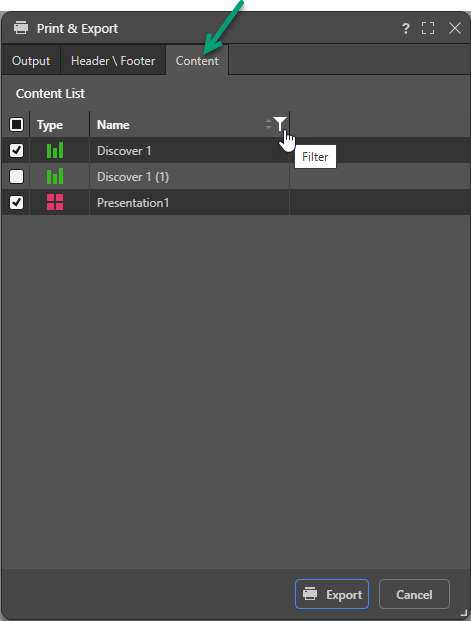
If the folder contains multiple content types, a Content tab will appear (green arrow below). The list will only show Discover and Present items.
- All the green Discover items will be blended into a single document.
- Each red Present item will be printed out as a separate document.
- If there are mixed green and red items (or multiple red items) the resulting payload will be returned to the user as a zip file of the different outputs.