The Clear Custom Format button is used to undo custom formatting and revert to the default formatting format as defined by the current theme.
Available Mechanisms
Component Ribbon
To undo all contextual formatting, regardless of whether it was applied to a row, column, or data cells, click the Clear Custom Format button from the Component ribbon. Alternatively, select a contextually formatted row or column and click the Clear Custom Format button while the selection is still active; this will clear the custom formatting only for the given row or column.

Formatting Panel
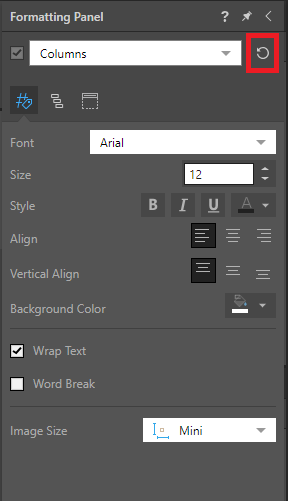
Custom formatting can also be cleared from columns, rows, or data cells from the Formatting Panel. This enables users to undo contextual formatting for only a specific cell type, rather than the entire grid.
Related information
Contextual Formatting
Contextual formatting enables users to change the formatting for an active selection, rather than the entire grid. For more information about contextual formatting, see Contextual Formatting.