Radar Quick Styles are preset formatting options that let you change the look and feel of a Radar chart with one click. Applying a Quick Style updates multiple settings at once, including data point transparency, data labels, and legend placement.
- Click here for information about building Radar Charts
Select a Quick Style Preset
The Quick Style presets are shown on the ribbon's Components tab:
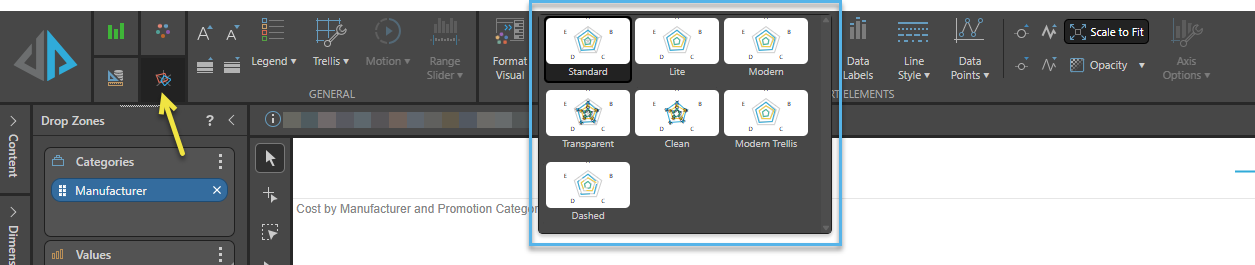
Quick Styles
 Standard
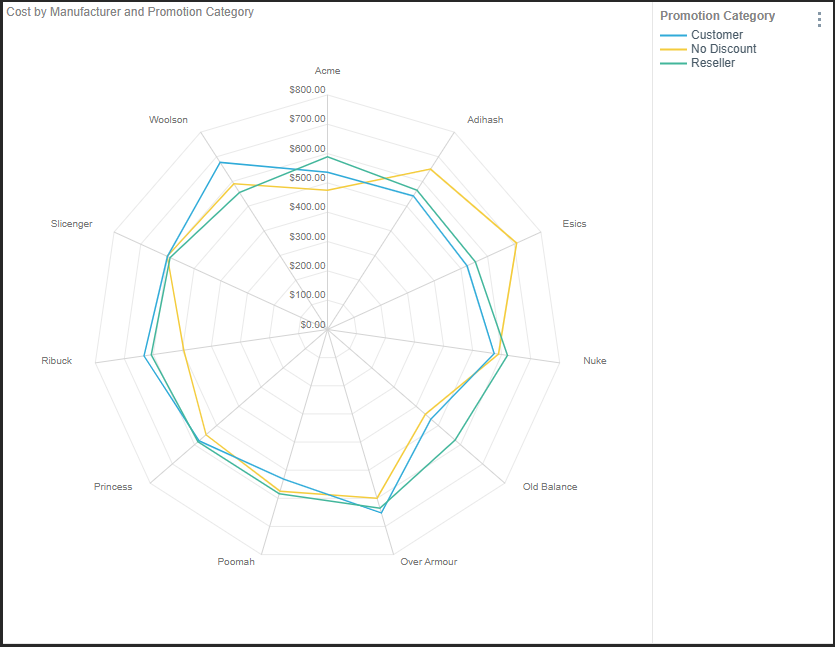
A popular format displaying the most-commonly used information. The chart title is displayed on the left, and the Legend on the right. Data Labels, displaying the actual values, are not displayed.
- Show Y-axis line.
- Show legend on the right with title.
- Show major Y-axis grid lines.
- Show report title.
- No data points.
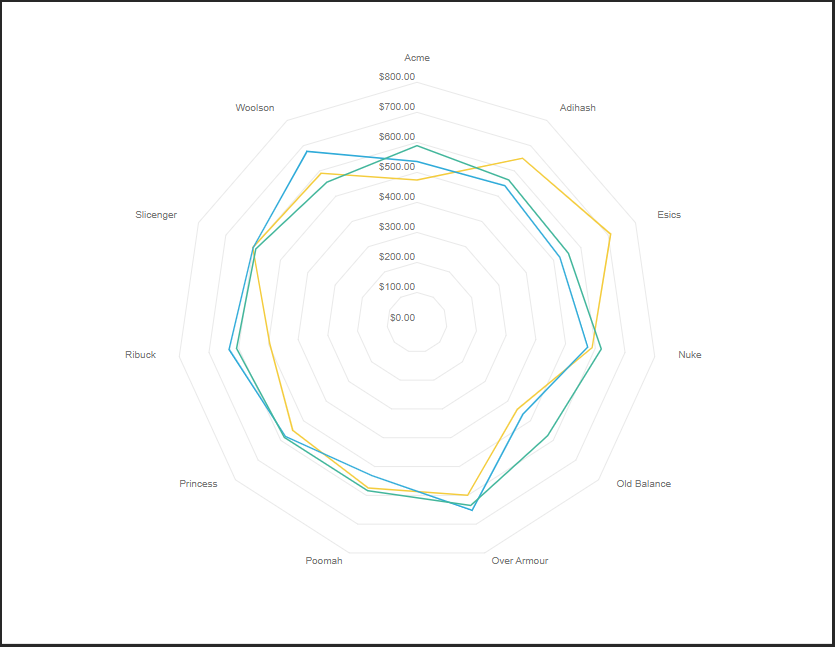
Lite
A compact format that is perfect for basic, quick comparisons. The Chart Title, Legend, and Data Labels are not displayed.
- Hide Y-axis line.
- No Data Labels.
- Hide legend.
- Hide report title.
- Show major Y-axis grid lines.
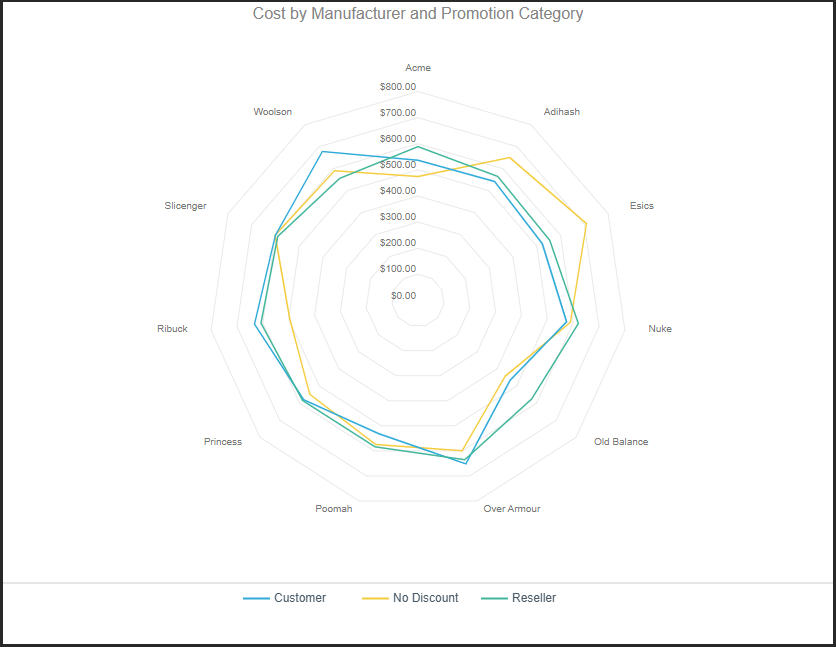
Modern
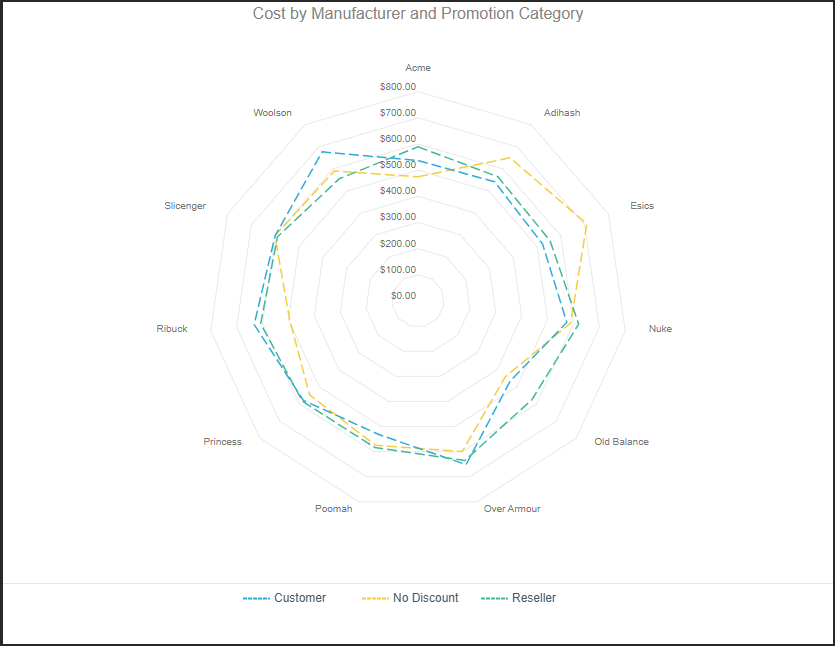
A sharp and compact chart displaying a centered report title and the Legend at the bottom.
- Hide Y-axis line.
- Show legend along the bottom of the visual without title.
- Show major Y-axis grid lines.
- Show centered report title.
- No data labels.
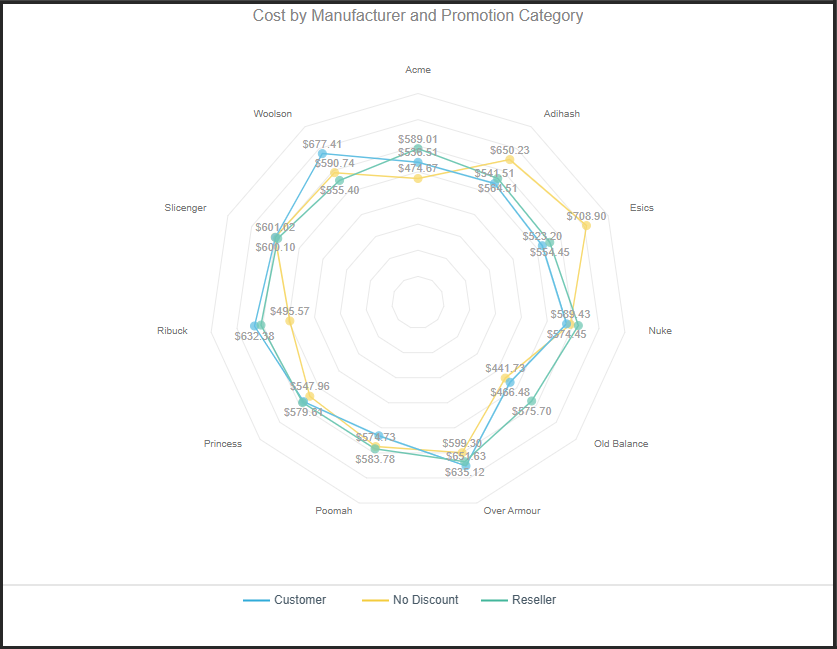
Transparent
A modern, transparent design with preset translucent colors. You can edit the opacity manually in the Theme Editor. This design includes a centered report title and Legend on the bottom. Data Labels are displayed on each line.
- Hide Y-axis.
- Show data labels.
- Show legend on the bottom without title.
- Show major Y-axis grid lines.
- Show centered report title.
- Set chart opacity to 75%.
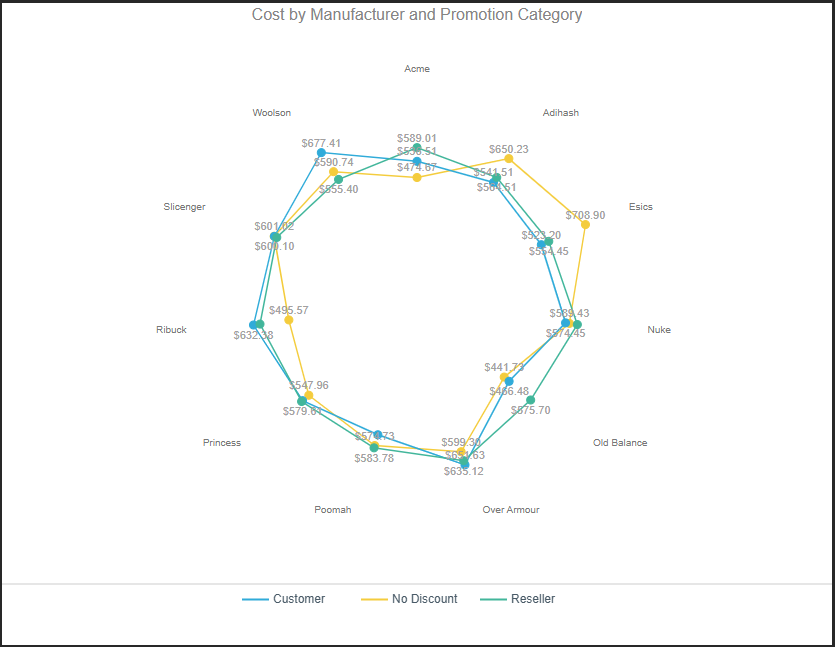
Clean
A clean design. This design includes a centered Report Title, Legends along the bottom, and Data Labels. There are no background "Y-axis" lines.
- Hide Y-axis.
- Hide Y-axis line.
- Show data labels.
- Show legend on the bottom without title.
- Hide major Y-axis grid lines.
- Show centered report title.
Modern Trellis
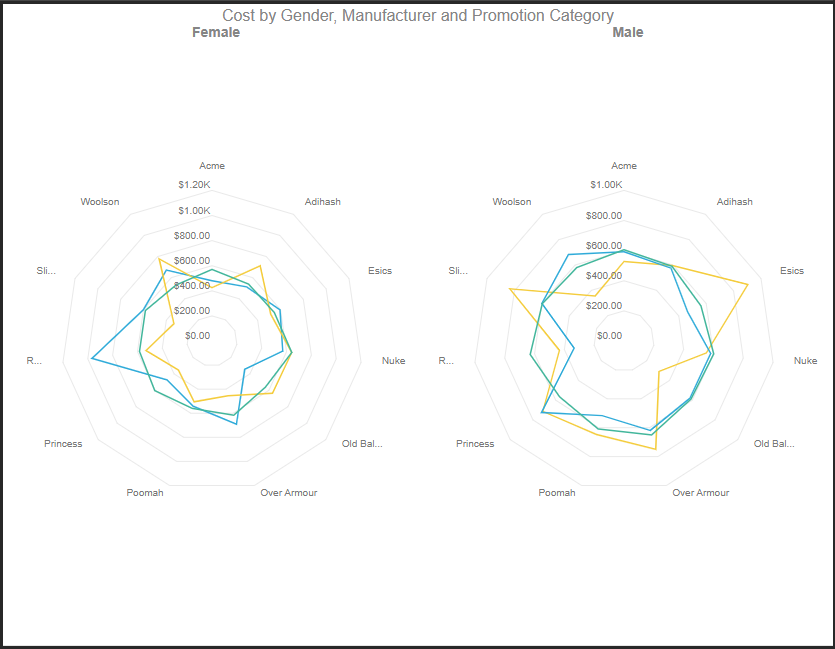
Apply this preset to trellised charts to display centered multi chart titles for each chart in the trellis.
- Hide Y-axis line.
- Hide Y-trellis axis.
- Hide legend.
- No data labels.
- Show major Y-axis grid lines.
- Show centered report title.
- Show centered multi chart titles.