Returns a subset of elements in a list based on a string search on captions. The search is based on a 'ends with" operation.
Syntax & Usage
- Configure the List that should be filtered.
- Add the Ends With block to the List block.
- In the Insert Arguments panel, do one of the following:
- Enter the Text to search for.
- Select the Parameterize checkbox and connect to a global parameter containing a list of options.
- Optionally, select the Exclude from result list checkbox to include only those items that don't match the list's filter.
Examples
Simple Example
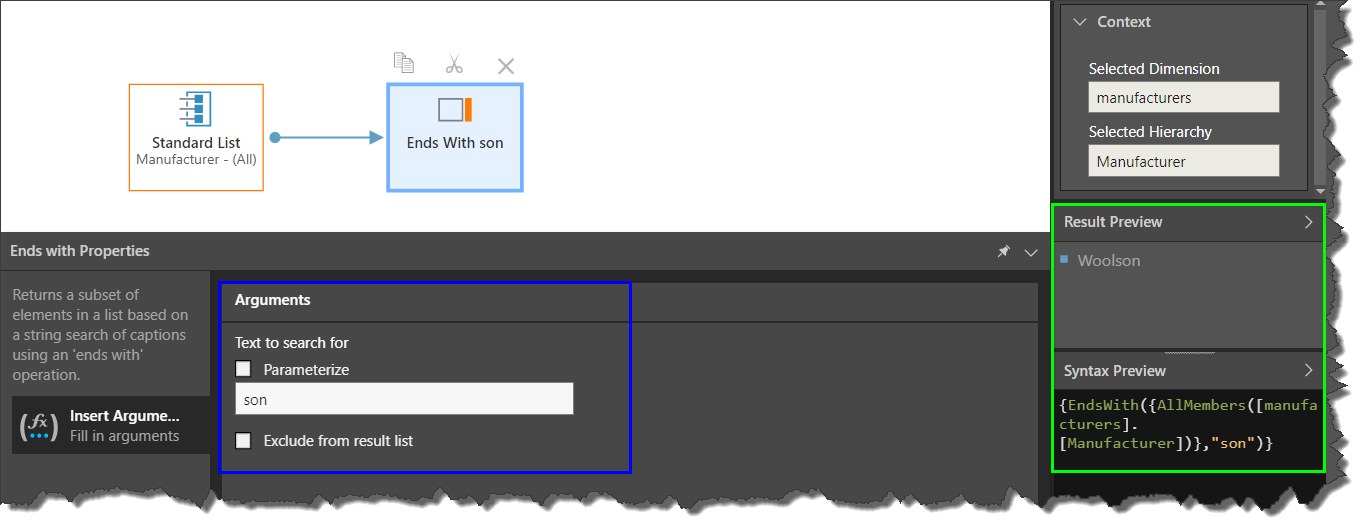
In this example, a list of Manufacturers was configured, and the search string "son" set in the Ends With block. The function returns Woolson:
{EndsWith({AllMembers([manufacturers].[Manufacturer])},"son")}
Parameterized List Example
In this example, the list was parameterized, and connects to a global text parameter containing a list of captions:
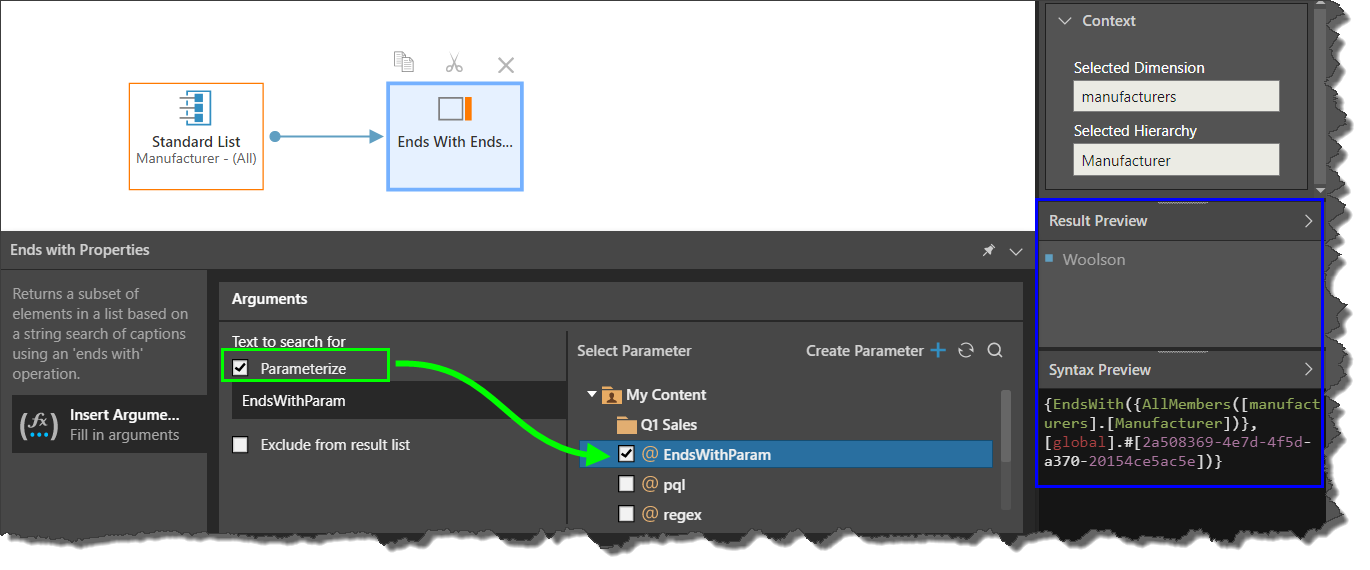
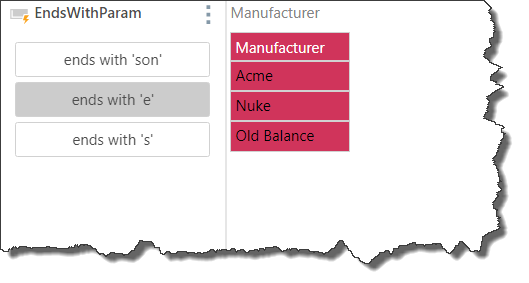
The parameterized list produced a button slicer, allowing the user to filter the query by the desired suffix: