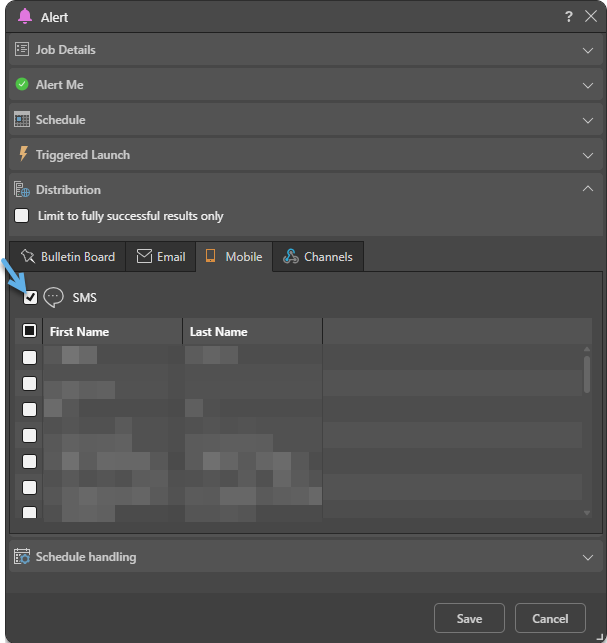
If phone messaging services have been enabled from the Admin console, you'll be able to subscribe to alerts and subscriptions using SMS. You can also subscribe on behalf of other users (distributing notifications to those users) for alerts and, where administrative settings for subscribe are set to Normal, for subscribers. This is a good way to ensure that high priority items are seen by the relevant users immediately.
By default, the message is sent to the phone numbers that were imported when the users were added to Pyramid. If the user has changed their phone number in their User Info dialog, the message will be sent to the their new number instead (as long as it is written with the correct international prefix).
Important: The SMS tab is only available for selection by subscribers where the Normal option has been selected in the administrative settings for subscribe. For more information, see Subscriptions & Publications.
Distribute using SMS
From the Mobile tab, select the SMS checkbox (blue arrow below). This will show a list of Pyramid users. Select the users that you want to distribute alerts or subscriptions to using SMS, and then Save your selection.