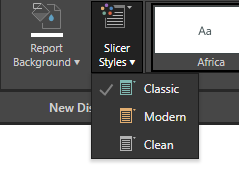
Slicers are used to filter queries using hierarchy elements from the data model. The Slicer Styles dropdown list is used to change the design style of the slicers. The dropdown list includes three styling presets: Classic, Modern, and Clean. The selected style is applied to all slicers in the presentation.
Style Presets
Style Presets
- Open the Slicer Styles dropdown list (yellow arrow) from the Design ribbon to access the style presets.
Classic
Classic is the default slicer style. It features a border all the way around the slicer selection. It also displays the slicer icon to the left of the title.
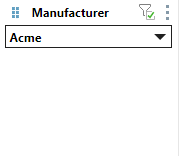
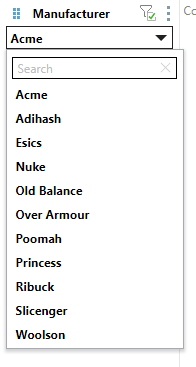
When open, the search bar is a solid rectangle with a border all the way around:
Modern
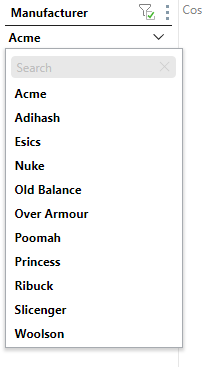
The Model slicer style displays a line beneath the current selection. The slicer icon is displayed to the left of the title.
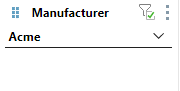
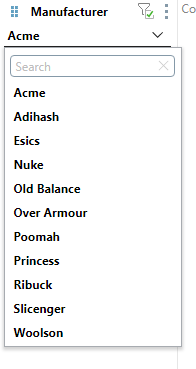
When opened, the search bar has rounded corners and a thin border:
Clean
The Clean style displays a vertical line between the title and the slicer selection. The slicer icon is not displayed.
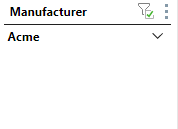
When opened, the search bar is displayed in gray, and had no borders: