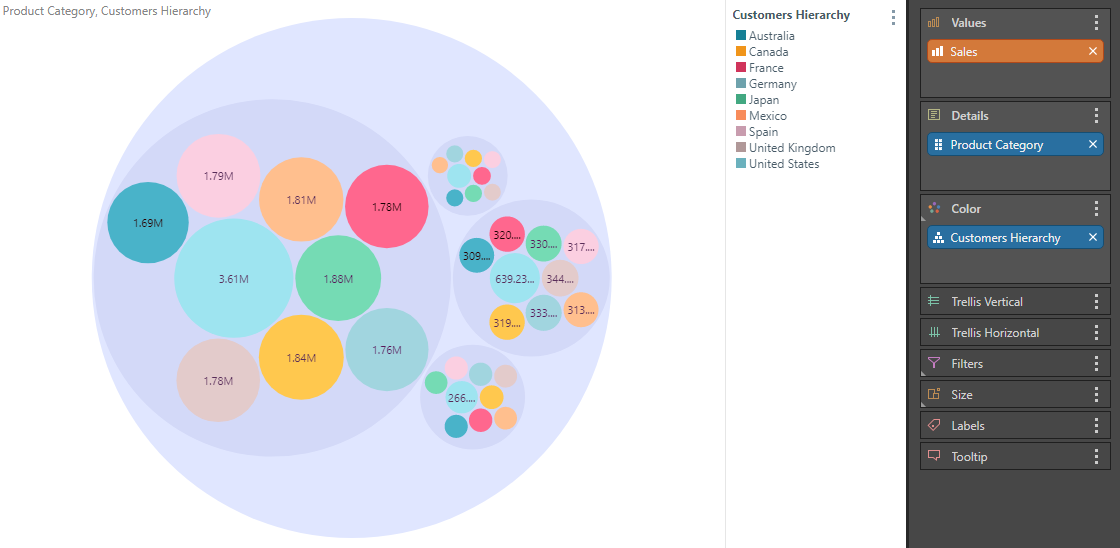
When working with circle packing and hierarchical circle packing charts, you can change the report background color from the Formatting panel. You can also change the background color of the circles, and group by color (rather than details).
Formatting Panel
Fill
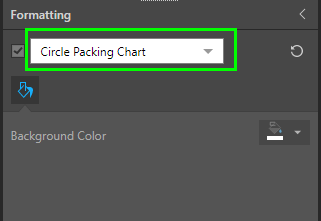
Background Color: Change the color of the Report Background using the Color Picker tool. This change does not affect the chart background. The Background Color affects the appearance differently for a Hierarchical Circle Packing Chart. For more information, see below.
 Example
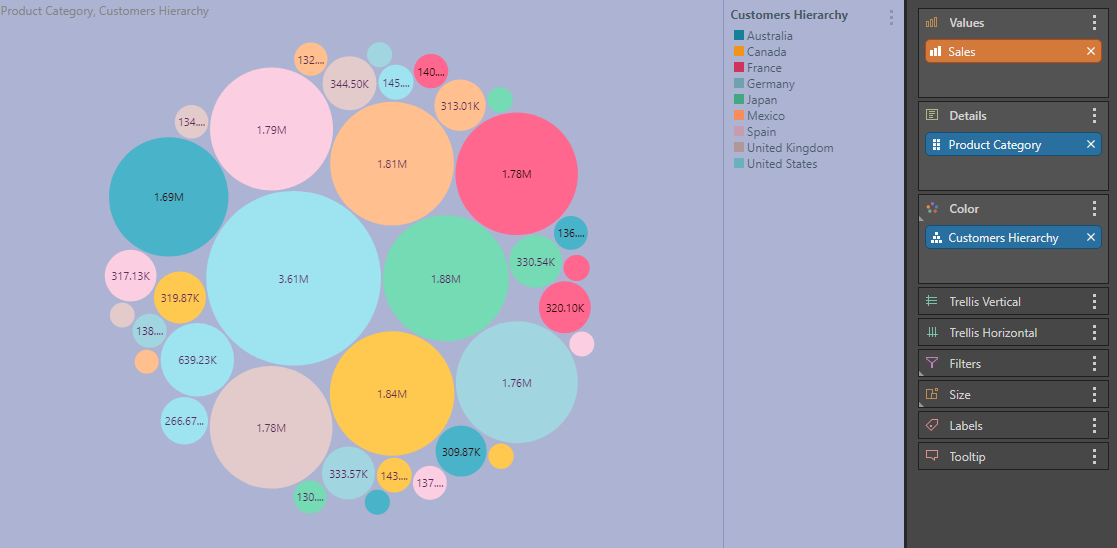
In this example, the report background color was changed to purple:
Settings
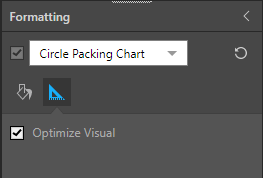
Optimize Visual: the visual optimization engine in Pyramid is a heuristic that automatically redacts certain parts of a graphical visualization based on the amount of space provided.
Hierarchical Circle Packing Chart
Hierarchical circle packing charts are used to group hierarchical data into a series of hierarchical circles.
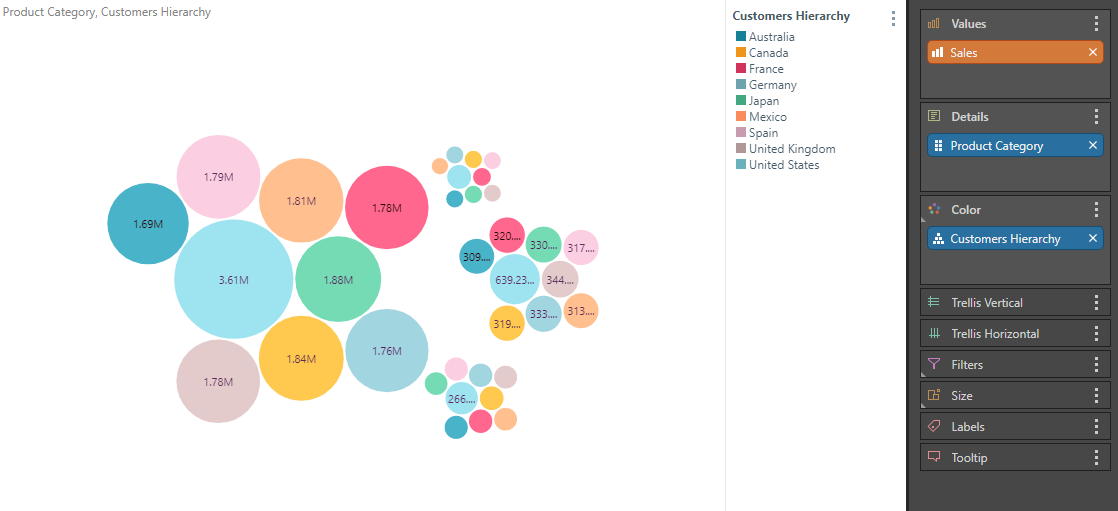
Group by Color
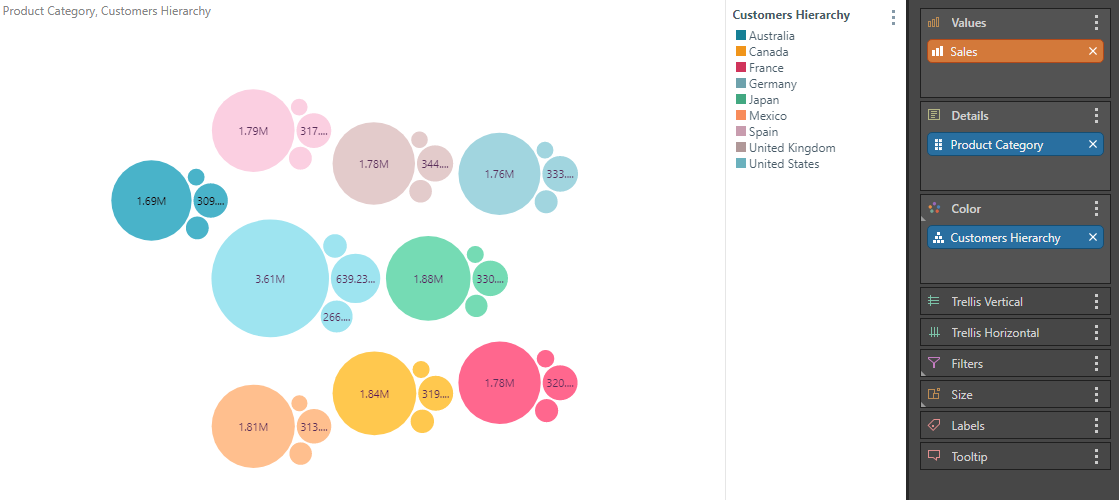
Supported for hierarchical circle packing charts only. Choose this option to group the circles by color. By default, the circles are grouped by the hierarchy in Details drop zone. To drive the groupings by the hierarchy in the color drop zone, enabled Group by Color.
Example
Here, the circle packing chart was grouped by color:
Background Color
Supported for hierarchical circle packing charts only. Change the background color of the hierarchical containers within which the circles are arranged.
Example
Here, the hierarchical background color was changed to purple: