Building a new lite model involves working through the Model Lite wizard. The wizard takes you through six steps; from the point-and-click interface you can quickly and easily build a new data model within a few minutes.
Creating a Model
The first thing you need to do when creating a Model is to open the Model page:
- Click Model in the App Toolbox at the far-left of your Home Page.
- Click + > New Model from the App Tabs along the bottom of your page.
- In the Content Explorer, navigate to the folder you'd like to create a new Model in and right-click New Item > New Model from the background context menu. For more information, see Content Management Actions for Pros.
Select Model Lite
Once the Flow page is open, click Model Lite:
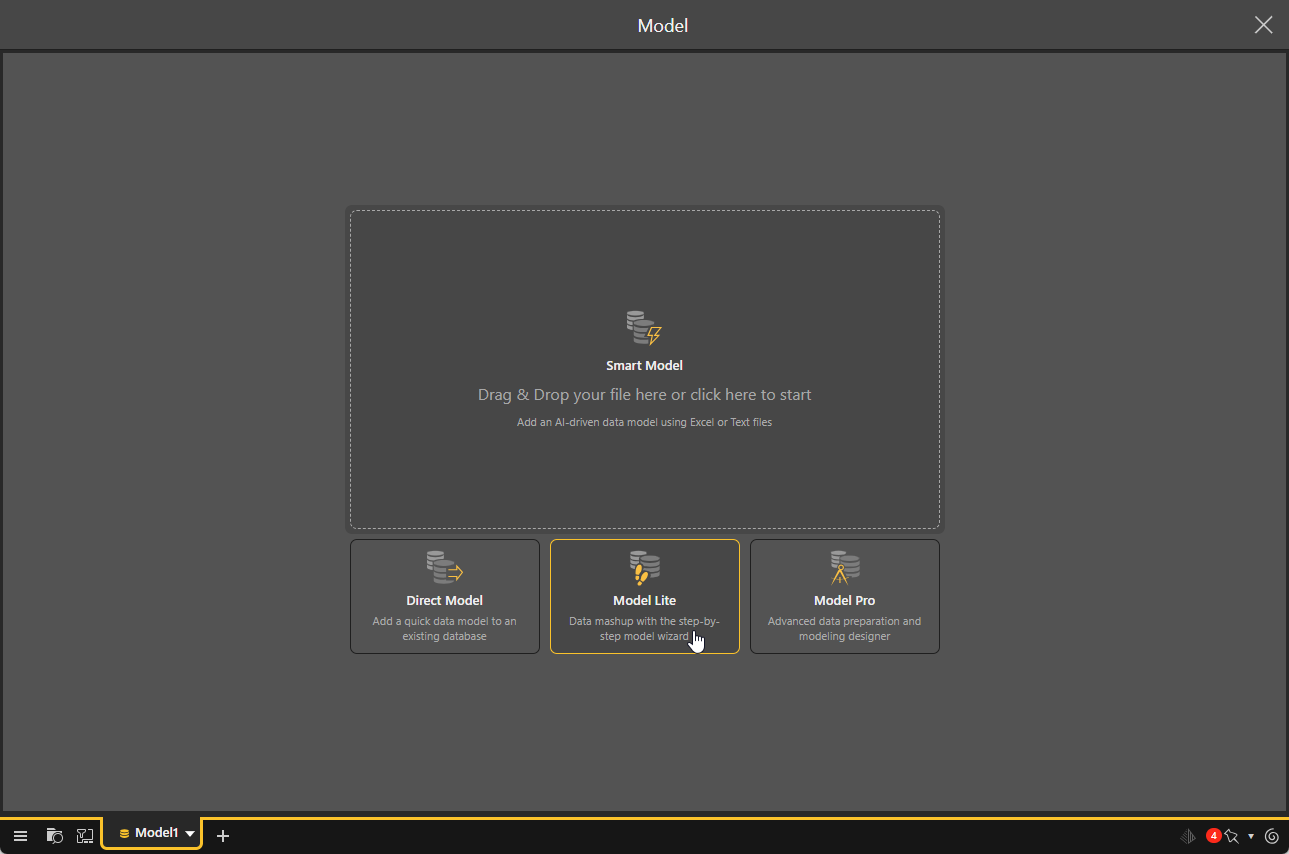
Model Lite Wizard
- Target: Select the target or destination where your new data model will be stored. In this step, you'll choose the server or data system where the new model will be stored and loaded.
- Data: Connect to a data source. You can connect to multiple data sources to create data "mash ups," creating a new data model that brings together datasets from different sources.
- Tables: Select the tables to copy from your data source or data sources. The selected tables will then be represented in a data flow diagram, where you can make changes to the relationships between the tables and edit the table metadata.
- Columns: Edit the column metadata.
- Hierarchies: Build multi-level hierarchies to enable drill functionality when querying the data model.
- Finish and Build: Set data model security before processing the model.
Model Lite Heuristics
Pyramid uses heuristics to build models in the most efficient way. Heuristics determine the relationships between the tables in the model, column metadata and visibility, hide key columns and identify measures, and organize measures and hierarchies into logical folders.
There may be times when you want to make changes to parts of the model that were determined by heuristic algorithms; Pyramid provides the flexibility to make these changes easily during the model-building process.
- Click here to learn about Model Lite heuristics.